
DoorDash Labs
- Concepts
- Robotics
- Automation
Current chapter — industrial design for robotics & automation.
Private collection · Password required
Explore DoorDash Labs » raamblings
create more than you consume
I create designs that balance visual impact with mechanical integrity. Industrial + technical designer working at the intersection of engineering and design — from Apple's Vision Pro to automotive LiDAR to robotics at DoorDash Labs. Scroll back through the work, then keep going into raamblings: photography, video, music, Blender, and cars.
San Francisco, California
Choose a collection.
Industrial design, engineering, and the projects behind them.
Current chapter — industrial design for robotics & automation.
Private collection · Password required
Explore DoorDash Labs »Technical design for automotive & industrial LiDAR.
Private collection · Password required
Explore Innoviz Technologies »Leading technical design for long-range automotive LiDAR.
Private collection · Password required
Explore AEye, Inc. »Industrial design for automotive digital LiDAR.
Private collection · Password required
Explore Ouster »Marcom 3D product renders and AR assets at Apple.
Private collection · Password required
Explore Apple »Concept-to-production ID for a consumer health device.
Private collection · Password required
Explore SoundHealth »Where it began — hands-on engineering design in semiconductors.
Private collection · Password required
Explore SMART Modular »A concept monitor that keeps you in eye contact on every call.
Private collection · Password required
Explore Parallax »A folded plane of walnut that pivots into a self-supporting table.
Private collection · Password required
Explore Pivot »A renewably-sourced lamp built from copper tubing — light on three axes.
Private collection · Password required
Explore Luminesce »Earlier explorations in products, materials, public transport, and digital experiences.
Private collection · Password required
Explore Design Archive »Photography, films, music, 3D, cars, and things I make for the fun of it.
The brand behind my design consulting and creative work.
Explore raamblings »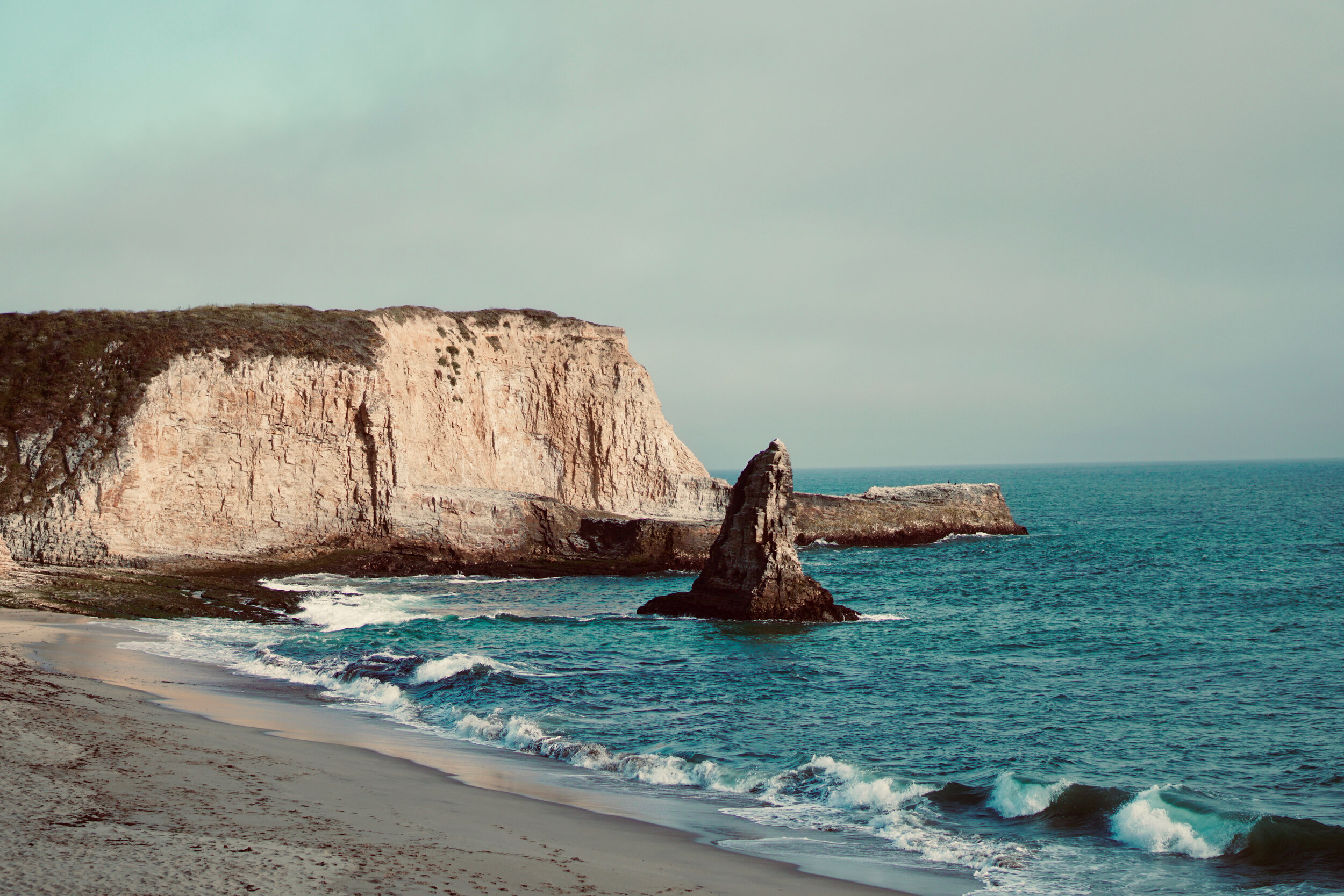
People, places, cars, and everyday frames — six photographic collections.
Explore Photography »
Films for technology, automotive, dance, and performance — 26 client projects.
Explore Videography »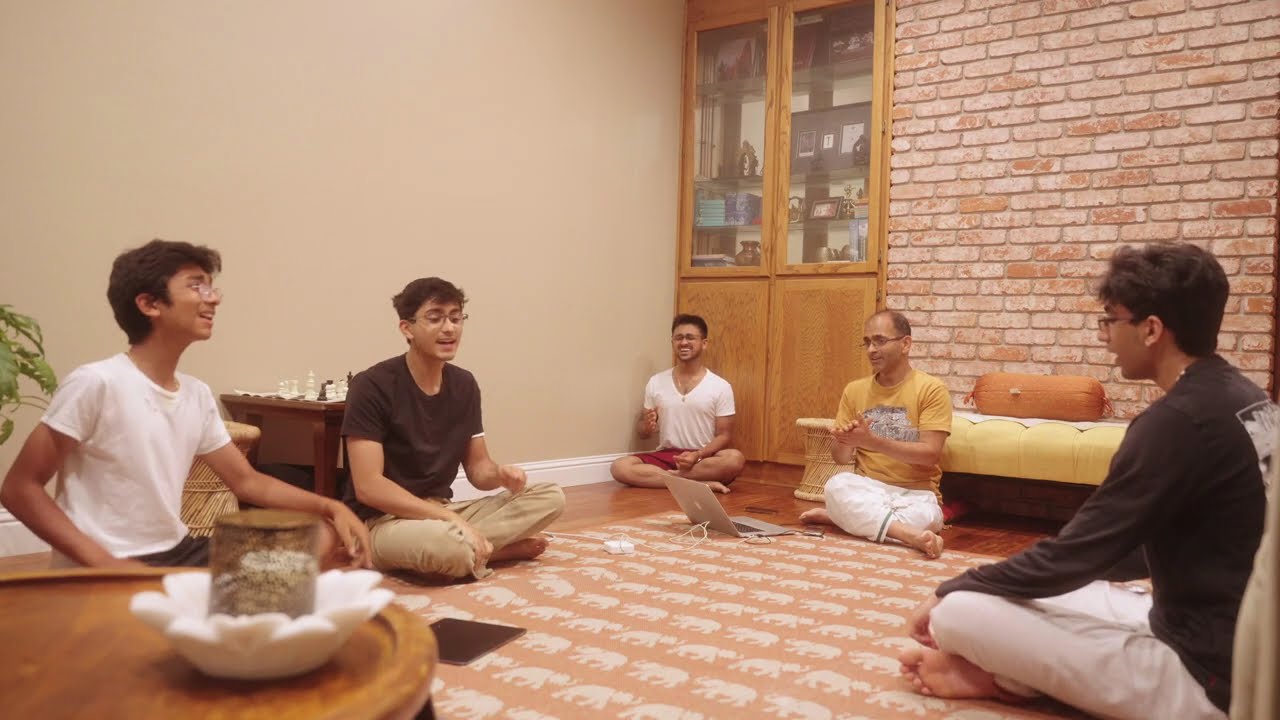
Eleven recordings and performances, from Carnatic a cappella to acoustic covers.
Explore Singing »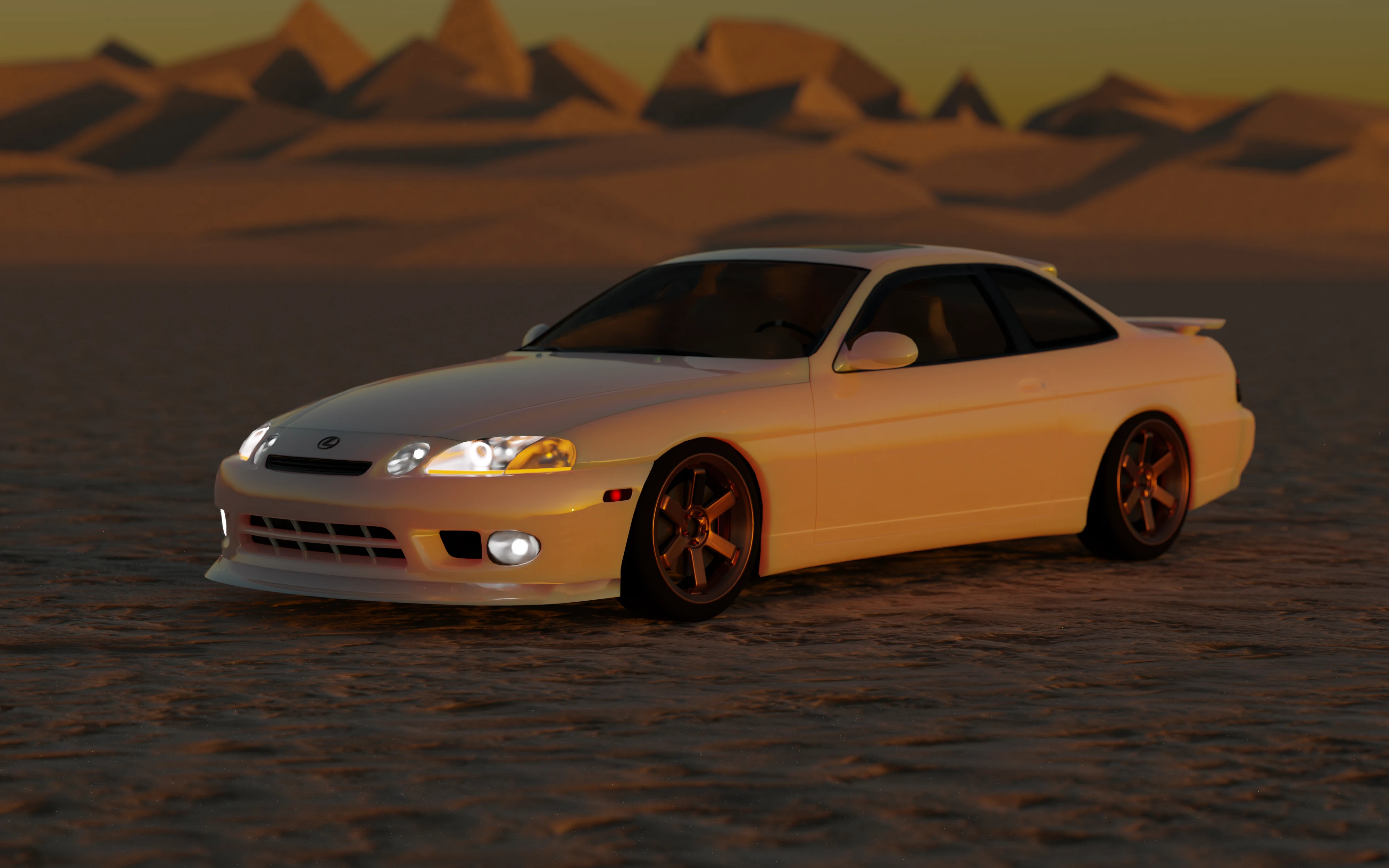
Personal 3D modeling and animation work in Blender.
Explore Blender 3D »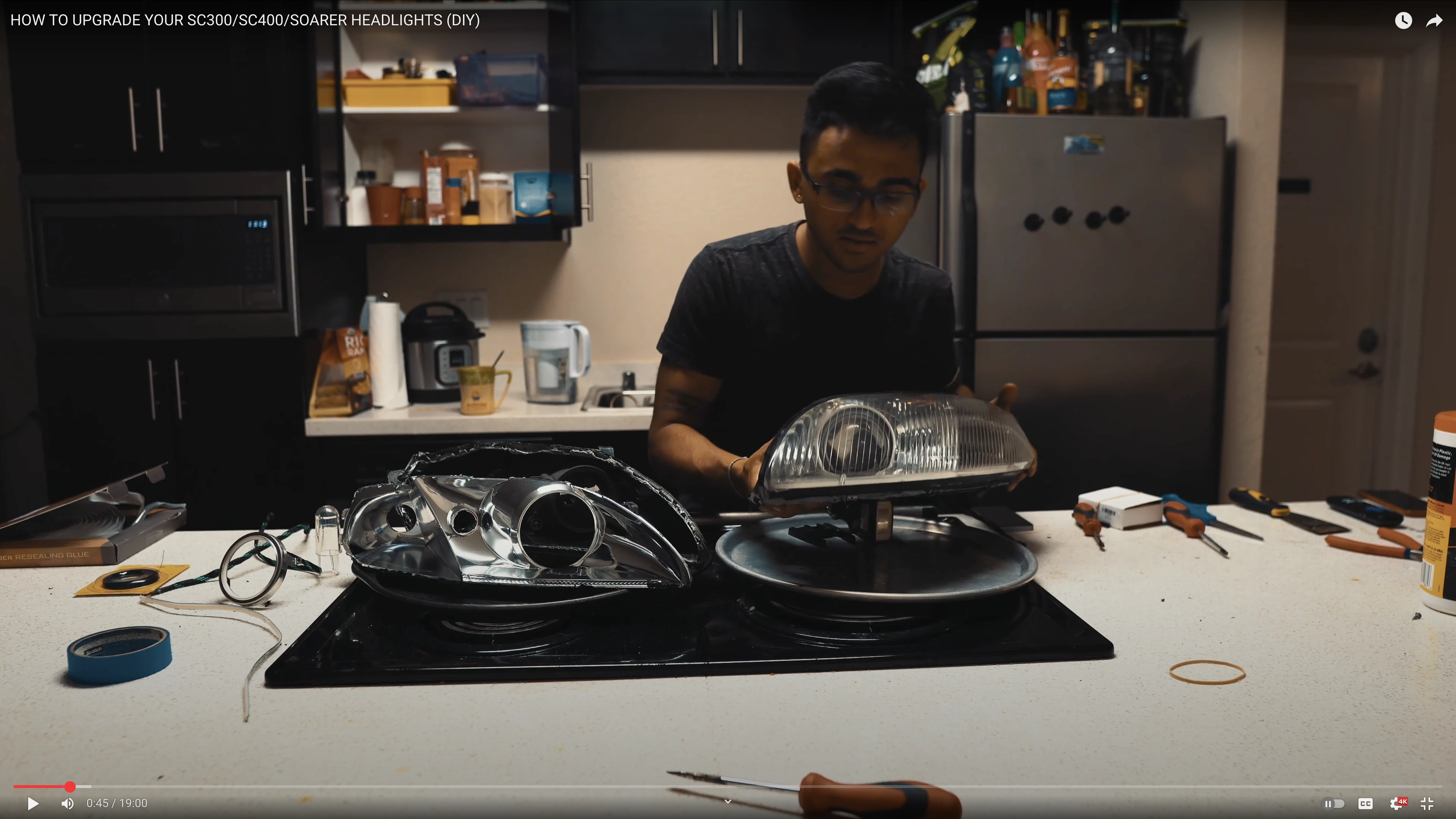
YouTube car content and personal work on my cars.
Explore Cars & YouTube »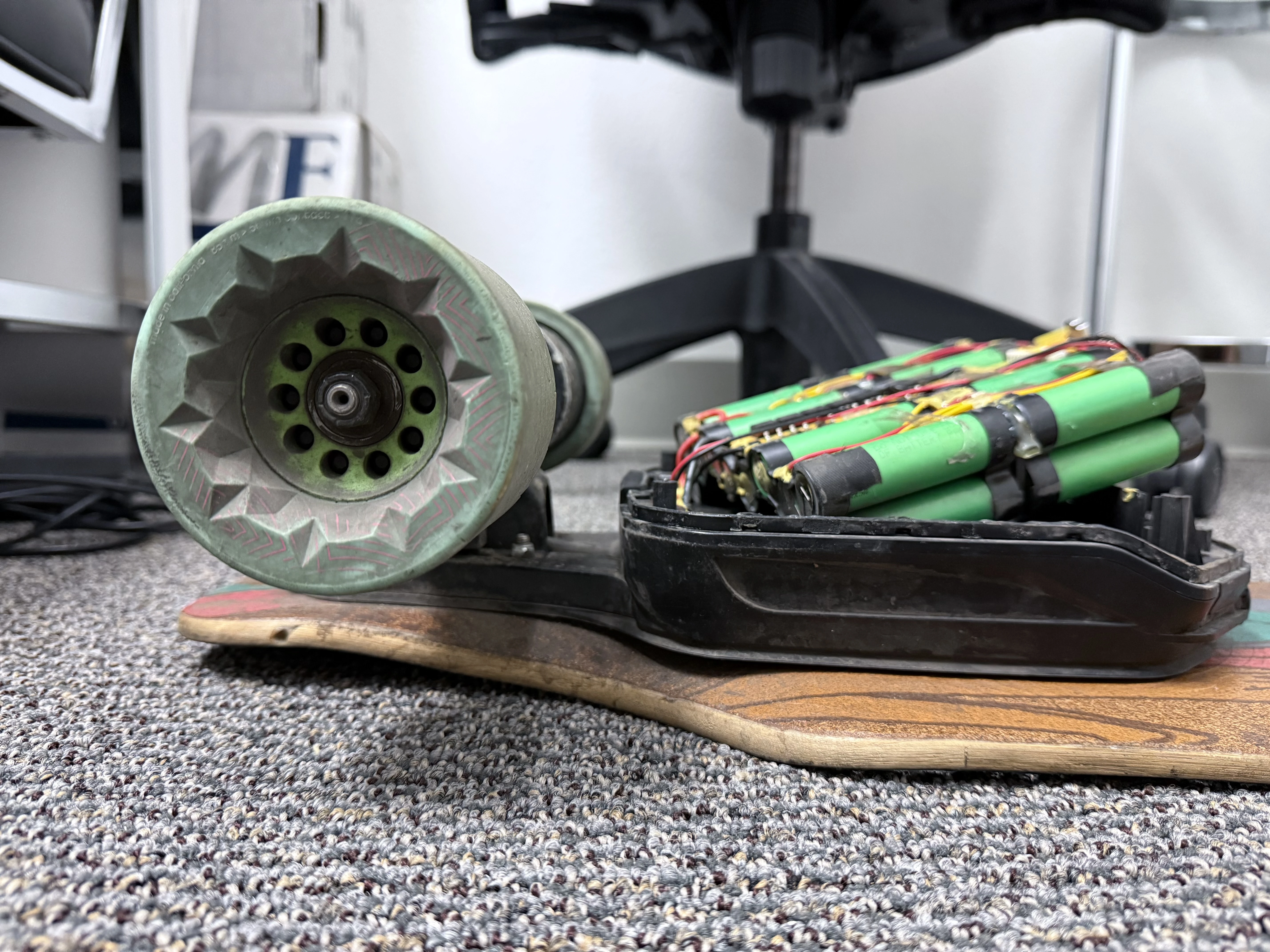
A custom cupholder, an electric skateboard rebuild, lighting, and hands-on projects.
Explore Tinkering »Software and websites built around practical problems. Open a tool or expand its story.
An archive of my grandfather's life and work.
A website I designed, built, and continue to manage for my grandfather, Sangita Acharya Thiruvaiyaru S R Krishnan. It brings his biography, writings, Carnatic music, Hari-Katha, audio and video recordings, photographs, and books together in a growing, browsable archive.
I wanted his life and work to have a lasting home online: somewhere family, students, and new listeners could find the story behind a performance as easily as the recording itself. Building and maintaining the site is my way of helping preserve that legacy and make it easier to explore.
Web tool
From Blender to CAD — and back again.
Also converts STEP back to a mesh for Blender. No CAD feature history is recreated.
Two converters that connect polygon modelling with CAD. Mesh → STEP lets a form start in Blender and move into a CAD workflow; STEP → mesh brings CAD geometry back into Blender for materials, rendering, and animation. Upload a file, inspect the 3D preview, and download the format you need for the next stage of the project.
I made it so that choosing Blender for a shape does not mean starting over when that shape needs to meet a CAD assembly. The reverse matters just as much: a part designed in CAD should be easy to bring into Blender for a product render or animation. These tools make that handoff a focused workflow instead of another modelling task.
Start with a form modelled in Blender and export it to a supported mesh format. The standard conversion carries its mesh geometry into STEP. For suitable low-poly quad models, an experimental SubD → NURBS option rebuilds smooth CAD surfaces. USD carries quads and edge creases; OBJ carries quads without crease weights.
For example: Shape an ergonomic outer shell in Blender, then bring it into CAD to lay out electronics, check clearances, or design the mounting structure that fits inside it.
Start with a STEP part and turn its CAD surfaces into a mesh at the resolution you need. The converter creates quads where the geometry allows. OBJ and FBX preserve those quads; formats such as GLB and STL use triangles.
For example: Take an engineered enclosure and its purchased components from CAD into Blender, then create a finished product render or an exploded assembly animation.
The NURBS option is experimental and works best with a clean, low-poly quad cage. Dense or triangulated inputs can produce many small patches. Conversion does not recreate a native CAD feature history, and a faithful mesh transfer retains the original facets.
Web tool
Cut big models into printable parts.
Illustrated parts only. Review the generated cuts and fit before printing.
A print-preparation tool for a model that is larger than your printer. Upload a STEP file, choose a printer or enter a custom build volume, and split the model into parts that fit. Alignment dowels, engraved part and seam labels, and symmetry-aware cuts help plan how the printed pieces will go back together.
I built it to make full-size prototypes practical on the printer you already have. Splitting a model also means planning its seams, alignment, and assembly; I wanted those decisions in one workflow instead of repeating a set of manual cuts and labels for every project.
Give the tool the model and the physical limits of the printer, then prepare the resulting pieces for your slicer.
For example: Build a full-scale enclosure mock-up on a desktop printer, then use the seam labels and dowels to align its separate printed sections during assembly.
Explore a DIY tortoise feeder in 3D.
A DIY feeder design and interactive engineering workspace for a large sulcata tortoise. It explores separate paths for leafy greens, produce, prepared pellets, and water, bringing the meal to an open serving plate. The site connects a 3D assembly explorer with engineering studies, sourced parts, cabinet layouts, and prototype fabrication files.
I wanted to explore a feeder around the way my tortoise eats: room for fresh ingredients, different preparation needs, and an open place to reach the food. I built the digital workspace alongside the hardware design so the mechanisms, parts, and design decisions could be inspected together as the project develops.
This is an evolving digital hardware prototype. The simulations and files document design intent; food delivery, controls, and the physical build still need real-world validation.
Blender add-on
Give a Blender mesh dimensions you can come back and edit.
Portfolio showcase · Not available for download
A Blender add-on that brings CAD-style dimensions and geometric constraints directly to mesh modelling. Set distances, angles, parallel or perpendicular edges, coincident vertices, and offsets from a reference face. Editing a dimension asks a numerical solver to move the referenced geometry into place, while viewport labels keep the measurements visible. An Extrude + Dimension operation creates an extrusion with an editable length.
I wanted more of the dimensional control I use in CAD while keeping the freedom of modelling in Blender. A useful measurement should be something I can return to and change, rather than a number I have to re-create through another round of manual mesh edits.
Work on ordinary Blender mesh geometry, attach a dimension or constraint, and use its value to control the next edit.
For example: Explore an enclosure in Blender, then change the spacing between selected features or the depth of an extrusion to make room for a component without rebuilding the form.
This is a mesh constraint tool rather than a full CAD feature history. Conflicting constraints can fail to solve, and topology changes that delete referenced geometry can break a dimension.
Blender add-on workflow
Connect Blender modelling with STEP-based CAD work.
Portfolio showcase · Not available for download
A local Blender–CAD exchange workflow built around STEPmac on macOS. It brings STEP geometry into Blender and exports Blender meshes back to STEP, with controls for selected objects, evaluated modifiers, scale, and axis orientation. The export builds planar faces from the mesh triangles through OpenCASCADE and writes the result as STEP geometry.
I wanted the handoff between Blender and CAD to fit into the modelling process itself. Bringing engineering geometry into Blender and sending a concept back to CAD helps connect form exploration, fit checks, and presentation without treating each application as a separate version of the project.
Keep the exchange close to the Blender scene, with explicit checks on the geometry and units that the receiving application will use.
For example: Use a CAD component as a reference while shaping a housing in Blender, then export the housing as STEP reference geometry for the mounting features designed in CAD.
Built around STEPmac by theeko and the OpenCASCADE geometry kernel. Mesh exports retain planar triangle faces; they do not reconstruct smooth NURBS surfaces or a native CAD feature history.
Online video tool
A video link in, a video file out.
Online preview · YouTube downloads temporarily unavailable
A browser-based version of my yt_dl.py utility. Choose the best available source quality or a resolution cap through 8K, then prepare a downloadable video file, with its picture and audio together. It turns a small command-line task into a focused online workflow for saving a video you own or have permission to download.
I made the original script to make getting a usable video file a repeatable task. The online version brings that same direct workflow to the website, so a visitor can start with a link and leave with a file without setting up a local Python environment.
Start from a single video and prepare the file in the browser.
For example: Recover a copy of your own published demonstration video to include in an offline portfolio presentation.
The output is limited by the formats and quality available from the source video; conversion cannot add detail that was not recorded.
Online audio tool
Keep the audio, ready to listen or work with.
Online preview · YouTube downloads temporarily unavailable
An online version of my youtube_to_mp3.py utility. Choose best-quality variable bitrate or 128–320 kbps, then take a YouTube video link, extract the available audio, and convert it into an MP3 file. It is useful when the sound is what you need: a recording, a spoken presentation, or material for music practice.
I wanted a short path from a video link to an audio file that works in common players and audio software. The original script combined downloading and FFmpeg conversion; this web version puts those steps behind one simple form.
Extract the audio from a single video and export a widely supported audio file.
For example: Turn your own concert upload into an audio reference you can revisit during rehearsal.
MP3 is a compressed delivery format. A high output bitrate preserves compatibility and avoids unnecessarily low settings, but it does not restore information missing from the source audio.
Browser audio tool
Adjust a recording like changing a turntable's speed.
Available online · Audio stays on your device
A vinyl-style audio adjustment tool with fine control in semitones and cents. It processes a recording entirely in your browser, so pitch and playback speed move together: higher becomes faster, lower becomes slower. Preview the original and adjusted sound, then export a 32-bit float WAV with the recording's channels kept together.
I wanted a precise way to move a recording into a useful tuning or playback range with the familiar behavior of changing a record player's speed. A small numerical adjustment makes it easy to repeat a tuning change or prepare a version for practice.
Choose the amount of transposition, then let resampling change the recording proportionally.
For example: Create a slightly sharper, slightly faster reference from an older recording to practice alongside a fixed-pitch instrument.
Pitch and speed are intentionally coupled. This is a whole-recording resampling tool; it does not detect or retune individual sung notes, and it does not preserve duration while changing key.
Native macOS app
From LOG footage to a consistent set of review clips.
Project profile · public download not yet listed
A focused Mac app for preparing footage with user-supplied color LUTs. Load a batch of videos, choose a primary conversion LUT, blend in an optional second look, adjust white balance, and inspect a preview before exporting. Its FFmpeg pipeline supports hardware or software encoding for different turnaround and quality needs.
I built it to make the repeated work of preparing footage easier: choose the color treatment once, check it, and apply it across a group of clips. That keeps a quick dailies or proof-export task focused on the footage, the look, and the files to deliver.
Prepare a set of clips with the same chosen color workflow.
For example: Prepare a group of Apple Log or S-Log3 clips for someone who needs to review the shoot in a standard video player.
The intended color conversion depends on the LUT you supply. A LUT for a different camera or input color space can produce the wrong result.
Native iPhone & iPad app
Bring the LUT workflow onto the device in your hand.
Project profile · public download not yet listed
The iOS companion to my desktop video converter. Import footage and LUT files, adjust primary and secondary LUT opacity and white balance, preview the treatment, and export the processed video. The SwiftUI interface uses Apple's Core Image and AVFoundation pipeline, with controls built around touch and mobile file import.
I wanted the same focused color-preparation workflow to travel with the footage. Moving it to iPhone and iPad makes it possible to import a clip, try a look, and prepare a viewable export while working from a mobile device.
Import, adjust, preview, and export within the native app.
For example: Create an initial review version of a phone-shot LOG clip while away from your Mac.
Choose a LUT that matches the footage's input color space, then review the export on the device where it will be watched.
Native iOS app
See the cars, the costs, and the market in one garage.
Project profile · public download not yet listed
A vehicle ownership and market-tracking app that brings a garage, deal checks, market exploration, watchlists, and signals into one place. Vehicle records connect valuation estimates with ownership costs, fuel, maintenance, reminders, and related information, so a car can be considered both as something to own and as a purchase decision.
I wanted a garage to show more than a list of cars or a single estimated price. Bringing ownership records and market context together makes it easier to see what a car costs to keep, track what is changing, and compare a possible next purchase.
Build a useful picture from the vehicle, its records, and the available data.
For example: Review the running costs of a car you own while comparing a potential replacement with current listings and estimates.
Values and projections are estimates and depend on the available data and configured services. They are context for a decision, not a guaranteed sale price.
Website project
A focused home for a team and its opportunities.
Case study in the protected DoorDash collection
A recruiting website I built for DoorDash Air. It gives prospective teammates a clear introduction to the team and a path from exploring opportunities to reading role details and reaching the application process. Project material belongs in the password-protected DoorDash part of this portfolio.
I made it to connect the story of the team with the practical next step of finding a relevant role. A focused site lets the visual presentation, team introduction, and job information work together as one recruiting experience.
The portfolio link opens the protected DoorDash collection and requires its password.